Pageant photoshoot ideas for a clear, accurate profile
By Charles · Published 2026-11-23 · Updated 2026-11-23
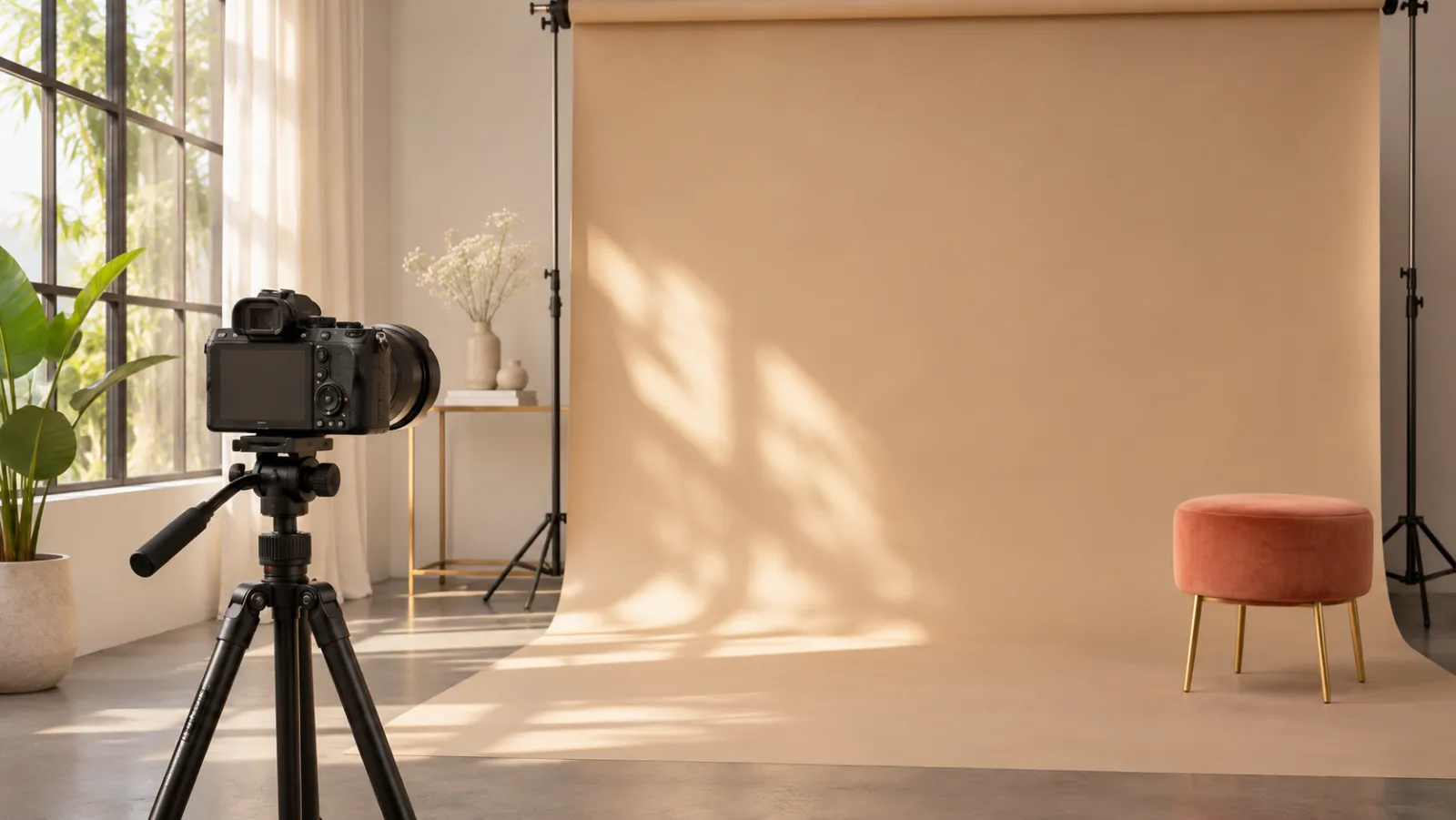
Pageant photoshoot ideas can be as simple as a headshot near a window, a full-length portrait against a plain wall, or a photo in a place that matters to you. Start with the current event's photo instructions, then choose a comfortable outfit and pose that show you accurately.
For context on how event requirements differ, read pageant judging criteria. When your photo and details are ready, you can submit a profile on Ganda.
Key facts
- The City Government of Davao's 2025 Mutya ng Dabaw announcement, published 20 January 2025, requested an ID photo and full-body pictures for that edition. Other events may ask for different images.
- Adobe's pageant photography guide, checked 23 November 2026, describes headshots, fashion portraits and lifestyle photos as different approaches.
- Adobe's phone portrait guide, checked 23 November 2026, suggests a phone and soft light near a window or in shade as accessible options.
- Ganda's submission page, checked 23 November 2026, asks for profile details and a photo. A signed-out person is asked to join or sign in when submitting.
Which pageant photos should you plan?
Choose the images the organizer or platform requests first. A pageant application, a social post and a Ganda profile may have different purposes. The Davao example above shows one event's past requirements, not a universal list.
| Idea | How to try it | Check before using it |
|---|---|---|
| Window-light headshot | Stand or sit near a window and frame your head and shoulders against a simple background. | Required crop, expression, image size and any editing rules. |
| Full-length portrait | Stand against a clear wall with enough room around you to show your outfit and shoes. | Whether the event asks for a full-body view or specific clothing. |
| Portrait in a meaningful setting | Pick a familiar outdoor or indoor place that matters to you, and keep your face visible. | Permission to photograph there and whether backgrounds are permitted. |
| Simple seated portrait | Sit comfortably, turn slightly toward the camera and rest your hands naturally. | Whether a seated image meets the requested framing. |
| Personal-interest photo | If allowed, hold an item related to an activity you actually enjoy, such as a book or instrument. | Whether props are allowed and whether the photo remains clear at profile size. |
These are starting points, not required poses. If the rules call for a plain headshot, submit that rather than substituting a creative portrait. Keep an unedited original so you can make a different crop if requested.
How do you take a clear headshot on a modest budget?
A phone, a clear background and a trusted person to help can be enough to try a headshot. A professional shoot is an option, not a general requirement. Check your specific event's instructions before spending on a photographer, makeup or wardrobe.
- Find soft light near a window or in open shade. Adobe's phone portrait guide offers both as options.
- Clear distracting objects behind you and make sure your face is visible. Ask your helper to steady the phone and check focus before taking several photos.
- Frame your head and shoulders with some space around them. Keep the original in case the organizer needs a different crop.
- Try a relaxed expression and a second version with a smile. Choose the image that looks like you and meets the instructions.
- Review the image on the screen you will use to submit it. Check sharpness and whether the required file and crop are accepted before sending.
You can also use a timer and a stable support if you are working alone. Avoid unsafe locations or balancing a phone where it could fall.
What should you wear and how should you pose?
Start with the event's requirements. If there are none for your chosen photo, try a comfortable top you already own for the headshot and an outfit you can stand or sit in naturally for the portrait. Check the neckline and background together so the image stays clear. You do not need a new gown for every photo idea.
Stand or sit comfortably and look toward the camera. Try facing forward, then turning slightly while keeping your face visible. Let your hands rest at your sides, on your lap or on a chair. Take a few versions and choose the one that meets the brief and still looks like you. If a pose feels forced, change it.
A meaningful setting or personal item can add context, but it should not imply a title, role or achievement you do not hold. For your written introduction, see pageant bio examples.
How much editing is appropriate?
Follow the exact submission rules and keep your image recognisable. If permitted, a small crop or exposure adjustment can help present the photo clearly. Avoid changes that misrepresent your features or create a misleading scene. Ask the organizer if you are unsure whether a filter or retouching is allowed.
Agree with the photographer on which images may be edited, shared or submitted. Get permission before including another identifiable person or using a private location. If someone else submits your profile, discuss the image and details with them first.
What should you check before submitting?
- Read the instructions for the current event, including photo type, file format, crop, editing rules and deadline.
- Confirm the photo is clear, current and accurately represents you. Check the full-size image and the intended crop.
- Confirm you have permission to use the image and any setting or identifiable person in it.
- Review your name and profile details alongside the photo. Our guide on what pageant scouts look for offers further context; the organizer's current rules remain the source for its event.
- Open Ganda's submission page, review the form and its instructions, and choose a photo you are comfortable sharing. The page says signed-out users are asked to join or sign in on submission.
Ready to share your profile? Submit it on Ganda after checking your photo and details.
Frequently asked questions
How do you take a pageant headshot?
Check the event or platform instructions first. Then try a clear head-and-shoulders photo near a window, with a simple background and an expression that feels like you. Review focus, crop and resemblance before submitting.
What should I wear for a pageant photoshoot?
Choose an outfit that fits the event instructions and feels comfortable. A simple top can work for a headshot; check any required colors, attire or full-length photo rules with the organizer.
Do I need a professional photographer for a pageant photo?
Not necessarily. A phone and help from someone you trust can be a practical option, unless the specific event requires a particular photo or photographer.
Can I edit my pageant photos?
Check the submission rules and keep the image an accurate representation of you. Basic adjustments to exposure or cropping may be useful if allowed; ask the organizer about any restrictions on retouching.